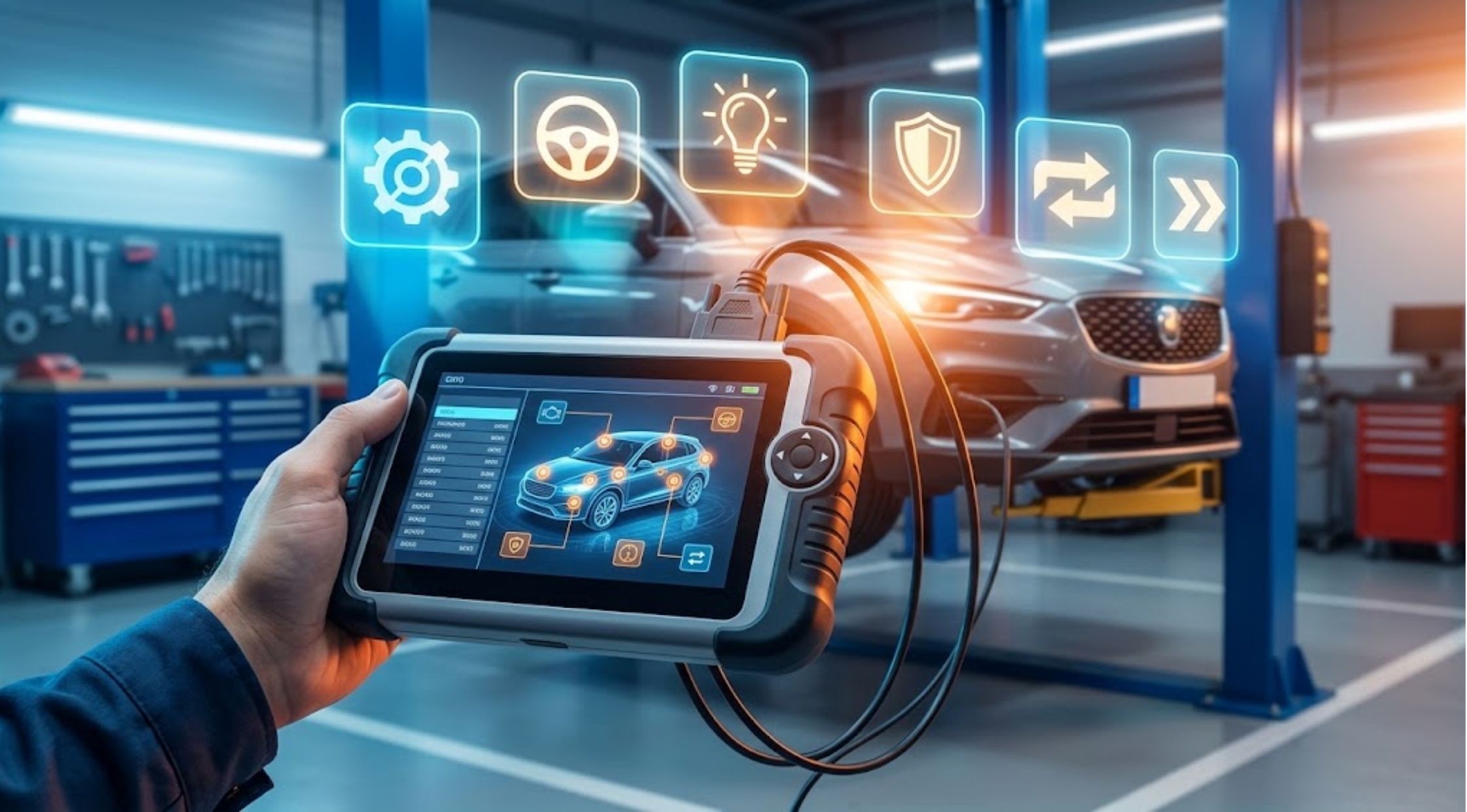
Electronic systems are used to control all aspects of modern vehicles, from engine performance and emissions to safety and comfort. If a warning light comes on in the dashboard, it can be hard to diagnose its issue without the proper diagnostic tools.
A professional scan tool makes vehicle diagnostic information accessible for drivers, automotive professionals, and enthusiasts alike. Whether you're considering an OBD2 scanner rental or investigating a YouCANIC full-system scanner, it is important to understand these tools and how to select the right one for your needs.
Fundamentals of Professional Scan Tools
What Is a Professional Scan Tool?
A professional scan tool is an electronic diagnostic device that communicates directly with a vehicle's onboard computer systems. It can read diagnostic trouble codes (DTCs), display real-time data streams, and provide detailed information on various electronic modules, depending on the tool's capabilities and vehicle support.
While basic code readers only retrieve information from the engine control module (ECM), sophisticated diagnostic tools can send and receive commands across multiple vehicle systems.
Key Evaluation Criteria:
- Vehicle compatibility (makes, models, and model years)
- Supported electronic control modules
- Available diagnostic and bi-directional functions
- Live-data streaming and graphing capabilities
- Frequency and cost of software updates
- User interface and ease of operation
Selecting the right tool depends on whether you work on a single daily driver or manage multiple vehicles regularly.
Determining Your Diagnostic Requirements
First, clearly define what you need the scanner to accomplish:
- Basic Needs: For drivers who simply want to identify the cause of an engine warning light, a standard OBD2 code reader is usually sufficient.
- Advanced Diagnostics: For complex troubleshooting, you need a scanner capable of accessing non-engine modules such as the Anti-lock Braking System (ABS), Supplemental Restraint System (airbags/SRS), Transmission Control Module (TCM), and Body Control Module (BCM).
Before purchasing or renting, always verify compatibility with your specific vehicle's make, model, year, and engine type. Consider how often you will use the tool—frequent shop or DIY use justifies an investment in a professional-grade scanner, while occasional use favors simpler or temporary solutions.
How OBD2 Scanners Work and Safe Usage
How an OBD2 Scanner Works
An OBD2 scanner plugs into the vehicle's standard diagnostic port (usually located under the driver's side dashboard) to establish a communication link with the onboard computer. Once connected, it retrieves stored diagnostic data, fault codes, and live sensor values.
[Locate OBD2 Port] ➔ [Connect Scanner] ➔ [Turn Ignition On] ➔ [Select Vehicle Data] ➔ [Read Codes & Live Data]
Step-by-Step Operating Procedure:
- Locate the vehicle's 16-pin OBD2 port.
- Turn the vehicle ignition to the "ON" position (engine off or running, as directed by the manual).
- Securely plug in the scanner cable or wireless adapter.
- Select or confirm the correct vehicle identification details.
- Initiate a system scan to retrieve active and pending fault codes.
- Review stored code definitions and freeze-frame data.
- Perform further hardware testing and troubleshooting before replacing any components.
Important Note: A diagnostic trouble code indicates a detected system anomaly—it is a starting point for troubleshooting, not an explicit instruction to replace a specific part.
Safe Operating Practices
Always read the manufacturer instructions before connecting a scanner to ensure full compatibility.
- Avoid Unfamiliar Functions: Do not clear adaptations, reset modules, or execute active tests unless you fully understand their function, as certain features directly alter vehicle control parameters.
- Understanding Code Clearing: Clearing a fault code turns off the warning light temporarily, but it does not fix the underlying mechanical or electrical issue. If the fault persists, the system will retrigger the warning light once drive cycles complete.
Renting vs. Buying a Diagnostic Scanner
What Is an OBD2 Scanner Rental?
If you only need a high-level diagnostic scanner for a short project or a single repair job, renting an OBD2 scanner from an auto parts retailer can be a cost-effective alternative to purchasing.
Check these factors before renting:
- Rental duration and late return policies
- Specific vehicle make/model compatibility
- Module coverage (Engine only vs. ABS/SRS/Full System)
- Included cables, adapters, and accessories
- Required companion software or app downloads
- Return conditions and deposit requirements
Buying vs. Renting Evaluation
Choosing between purchasing and renting depends on your vehicle complexity and service frequency:
|
Consideration |
Buying a Scanner |
Renting a Scanner |
|
Usage Frequency |
Regular maintenance and multi-vehicle use |
One-time troubleshooting or infrequent repairs |
|
Long-Term Cost |
Higher initial investment, zero recurring fees |
Low short-term cost, accumulates over time |
|
System Access |
Immediate availability whenever issues arise |
Requires trip to supplier; dependent on rental inventory |
|
Vehicle Complexity |
Ideal for complex cars with many modules |
Best for simple single-module scans or targeted jobs |
Advanced Systems and DIY Diagnostics
What Is a YouCANIC Full-System Scanner?
The YouCANIC full-system scanner is designed to deliver comprehensive diagnostic coverage beyond basic engine code retrieval.
Modern vehicles rely on dozens of interconnected electronic modules. When a single fault triggers multiple symptom lights, a full-system scanner allows you to query all available control units—including transmission, climate control, seating, door modules, and infotainment—to build a complete picture of vehicle health. Always verify that the model supports the specific advanced functions required for your vehicle.
How to Diagnose a Check Engine Light
A diagnostic scanner streamlines the initial phase of resolving a dashboard warning light:
- Plug in & Scan: Connect the scanner and read all active, pending, and historic trouble codes.
- Record Data First: Document all fault codes and freeze-frame data before clearing anything.
- Research Definitions: Look up code definitions to understand potential root causes.
- Isolate the Cause: Remember that a single code (e.g., lean mixture) can stem from multiple issues (vacuum leak, failing MAF sensor, weak fuel pump). Perform targeted physical and electrical tests rather than blindly swapping parts based on code names alone.
Choosing a Scanner for DIY Repairs
For DIY mechanics, user interface clarity and data accessibility are essential:
- Look for intuitive menus, clear text definitions, and robust live-data graphing features that simplify real-time troubleshooting.
- If you maintain multiple family vehicles, prioritize wide manufacturer coverage.
- For occasional DIY maintenance, a straightforward, user-friendly tool is often far more practical than an overly complex shop-level console.
Scanner Maintenance and Best Practices
Tips for Maintaining Your Diagnostic Scanner
Proper care ensures your diagnostic tool remains reliable over time:
- Storage Environment: Store the device in a clean, dry case away from extreme heat, moisture, and direct sunlight.
- Cable Care: Route and coil cables neatly to avoid strain on connectors and internal wiring.
- Firmware & Software Updates: Periodically update the scanner software via the manufacturer's official portal to ensure coverage for newer vehicle models.
- Safe Handling: Never forcefully pull cables to disconnect the scanner from the vehicle's OBD2 port during diagnostic operations.
Final Thoughts
The ideal diagnostic equipment depends on your specific vehicle requirements, technical experience, and intended usage frequency. An OBD2 scanner rental offers a practical solution for single-use diagnostic needs, while owning a professional scan tool provides immediate, in-depth diagnostic capabilities whenever issues arise.
For comprehensive coverage across modern multi-module vehicles, a full-system scanner like YouCANIC gives you the complete diagnostic picture. Regardless of the tool you choose, always remember that diagnostic codes serve as hints rather than definitive answers—combining scanner data with proper physical testing is the key to accurate, cost-effective vehicle repairs.